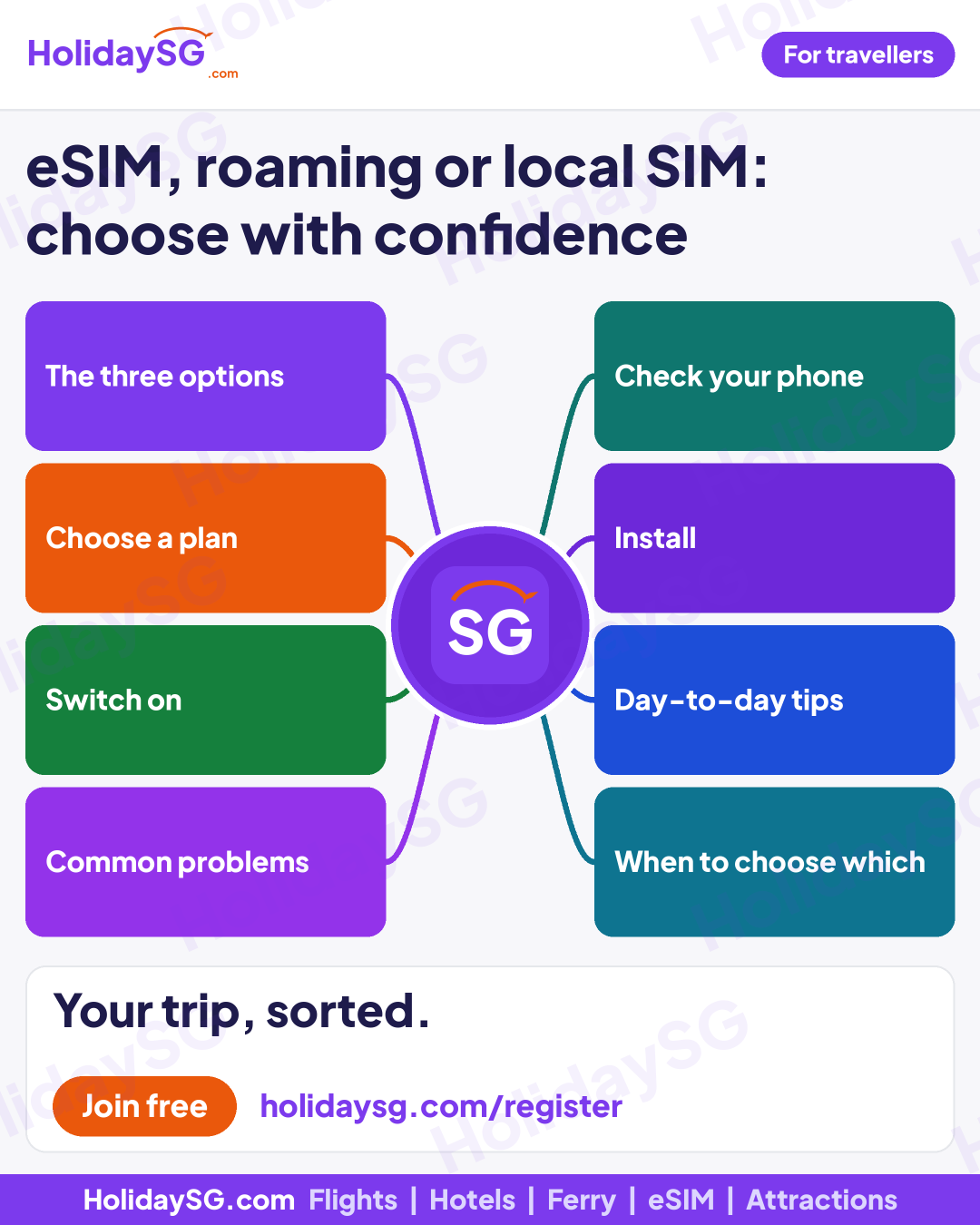
eSIM, roaming or local SIM: choose with confidence
For travellers. Eight topics, five clear rows each.
Download
GIF, 4:5 (1080 x 1350)
PNG, 4:5 (1080 x 1350)
GIF, LinkedIn (1080 x 1350)
PNG, LinkedIn (1080 x 1350)
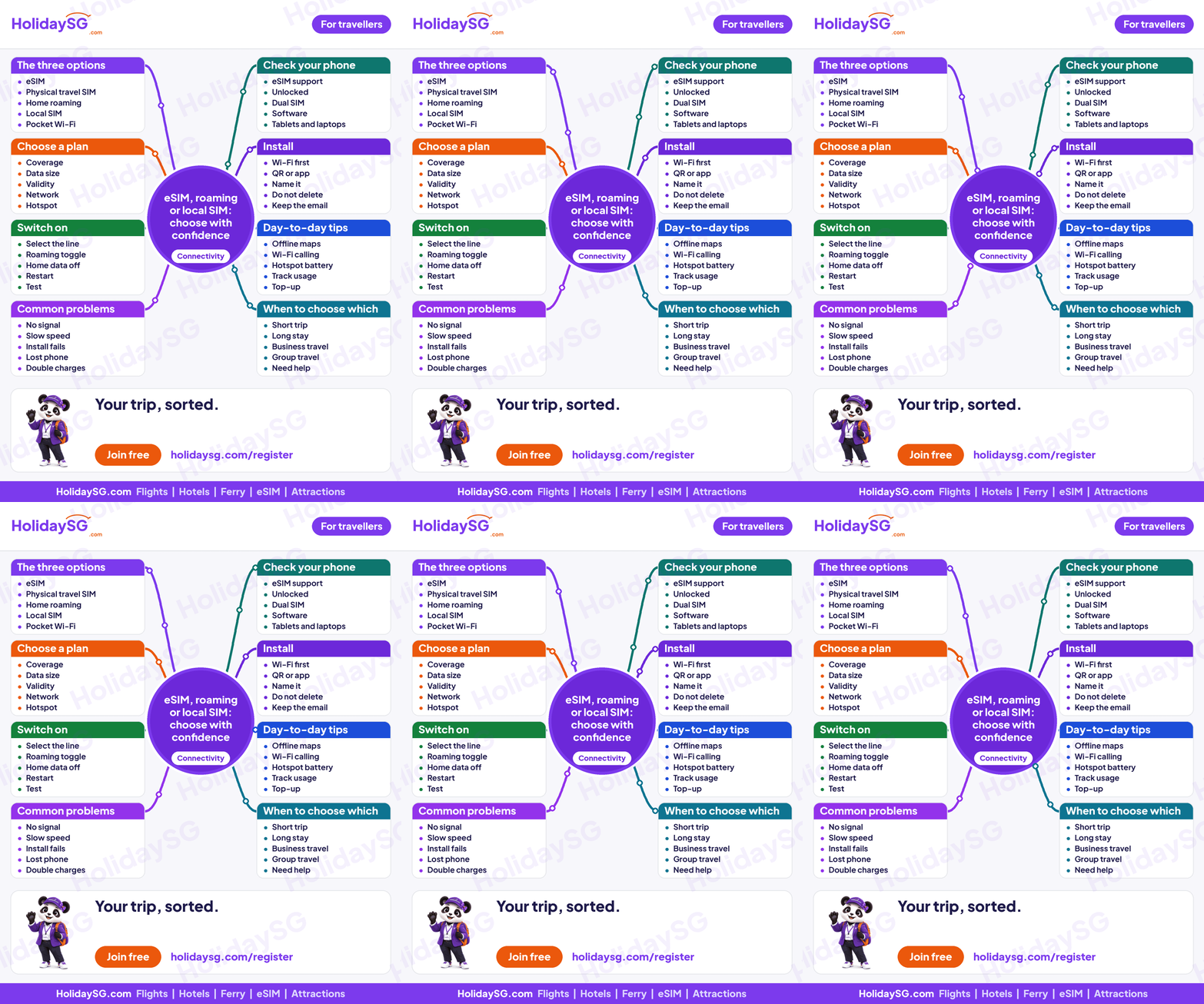
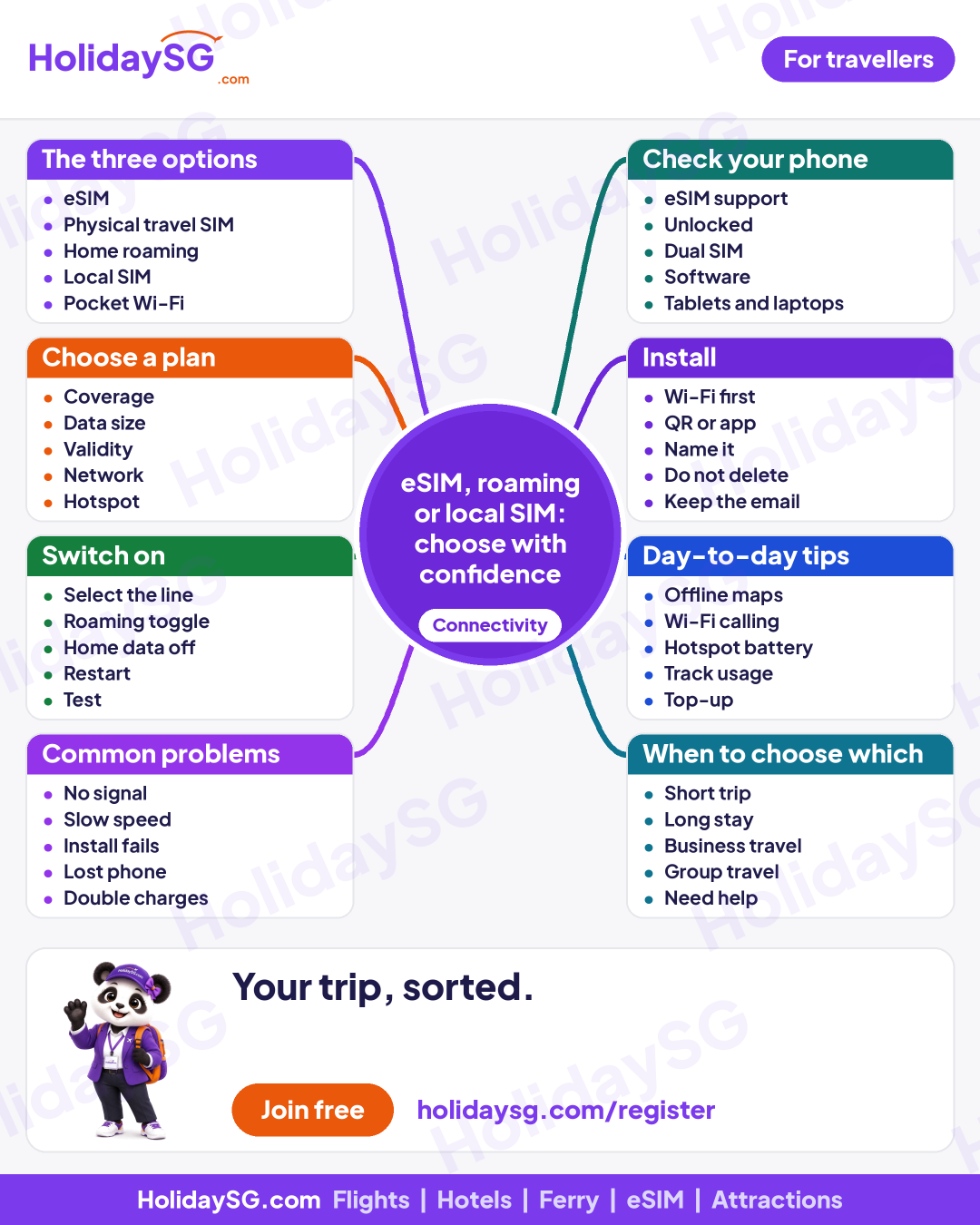
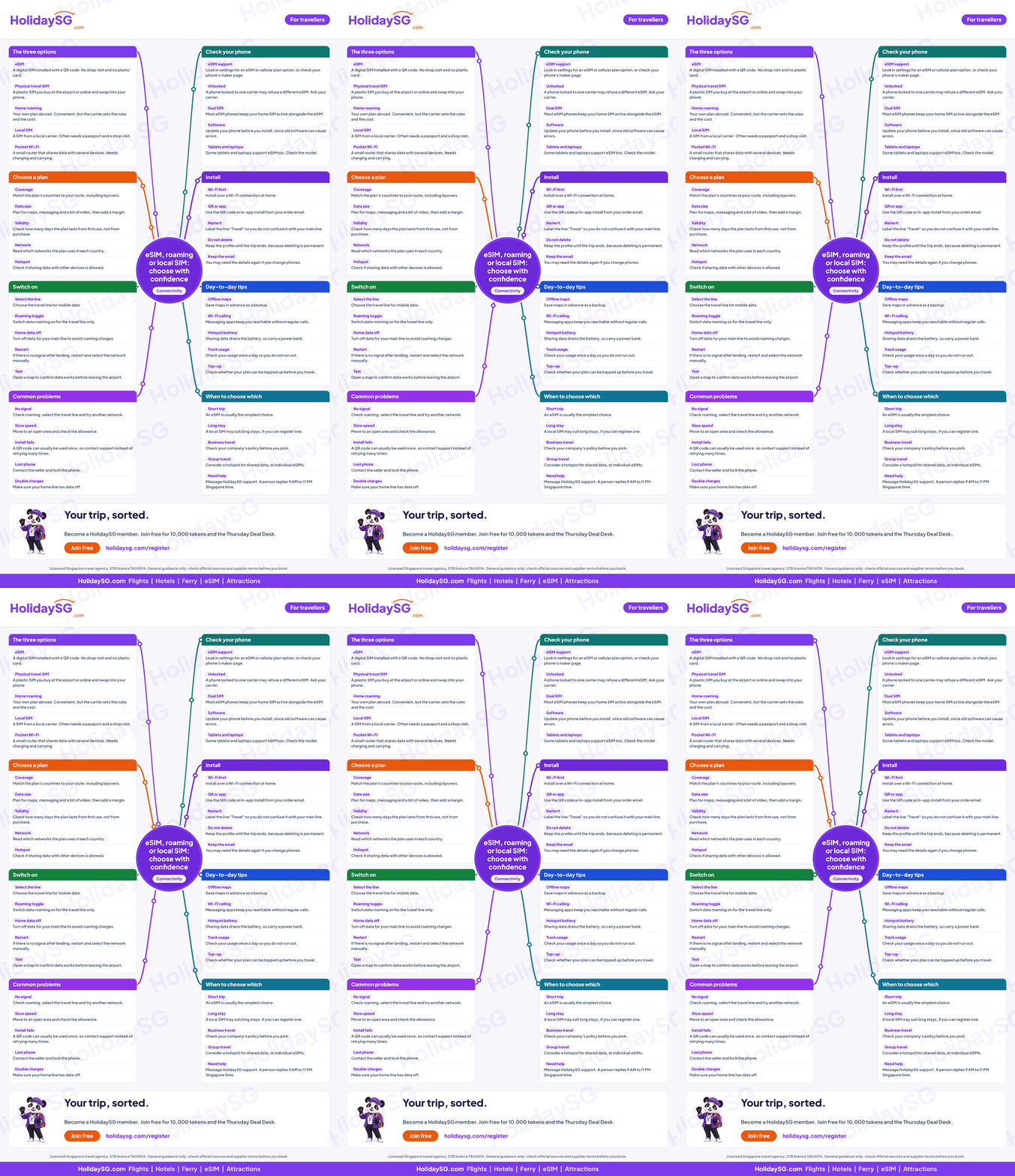
The three options
eSIM
A digital SIM installed with a QR code. No shop visit and no plastic card.
Physical travel SIM
A plastic SIM you buy at the airport or online and swap into your phone.
Home roaming
Your own plan abroad. Convenient, but the carrier sets the rules and the cost.
Local SIM
A SIM from a local carrier. Often needs a passport and a shop visit.
Pocket Wi-Fi
A small router that shares data with several devices. Needs charging and carrying.
Check your phone
eSIM support
Look in settings for an eSIM or cellular plan option, or check your phone's maker page.
Unlocked
A phone locked to one carrier may refuse a different eSIM. Ask your carrier.
Dual SIM
Most eSIM phones keep your home SIM active alongside the eSIM.
Software
Update your phone before you install, since old software can cause errors.
Tablets and laptops
Some tablets and laptops support eSIM too. Check the model.
Choose a plan
Coverage
Match the plan's countries to your route, including layovers.
Data size
Plan for maps, messaging and a bit of video, then add a margin.
Validity
Check how many days the plan lasts from first use, not from purchase.
Network
Read which networks the plan uses in each country.
Hotspot
Check if sharing data with other devices is allowed.
Install
Wi-Fi first
Install over a Wi-Fi connection at home.
QR or app
Use the QR code or in-app install from your order email.
Name it
Label the line "Travel" so you do not confuse it with your main line.
Do not delete
Keep the profile until the trip ends, because deleting is permanent.
Keep the email
You may need the details again if you change phones.
Switch on
Select the line
Choose the travel line for mobile data.
Roaming toggle
Switch data roaming on for the travel line only.
Home data off
Turn off data for your main line to avoid roaming charges.
Restart
If there is no signal after landing, restart and select the network manually.
Test
Open a map to confirm data works before leaving the airport.
Day-to-day tips
Offline maps
Save maps in advance as a backup.
Wi-Fi calling
Messaging apps keep you reachable without regular calls.
Hotspot battery
Sharing data drains the battery, so carry a power bank.
Track usage
Check your usage once a day so you do not run out.
Top-up
Check whether your plan can be topped up before you travel.
Common problems
No signal
Check roaming, select the travel line and try another network.
Slow speed
Move to an open area and check the allowance.
Install fails
A QR code can usually be used once, so contact support instead of retrying many times.
Lost phone
Contact the seller and lock the phone.
Double charges
Make sure your home line has data off.
When to choose which
Short trip
An eSIM is usually the simplest choice.
Long stay
A local SIM may suit long stays, if you can register one.
Business travel
Check your company's policy before you pick.
Group travel
Consider a hotspot for shared data, or individual eSIMs.
Need help
Message HolidaySG support. A person replies 9 AM to 11 PM Singapore time.
Get the next guide before your next trip
One short email when a new one-page guide is out: visas, eSIM, arrival day and more. Unsubscribe any time.
We use your email only to send these guides. Facts here are general guidance: always confirm entry rules and supplier terms on the official source before you book.